Manage Airbnb, Booking.com and Your Direct Site from One Calendar
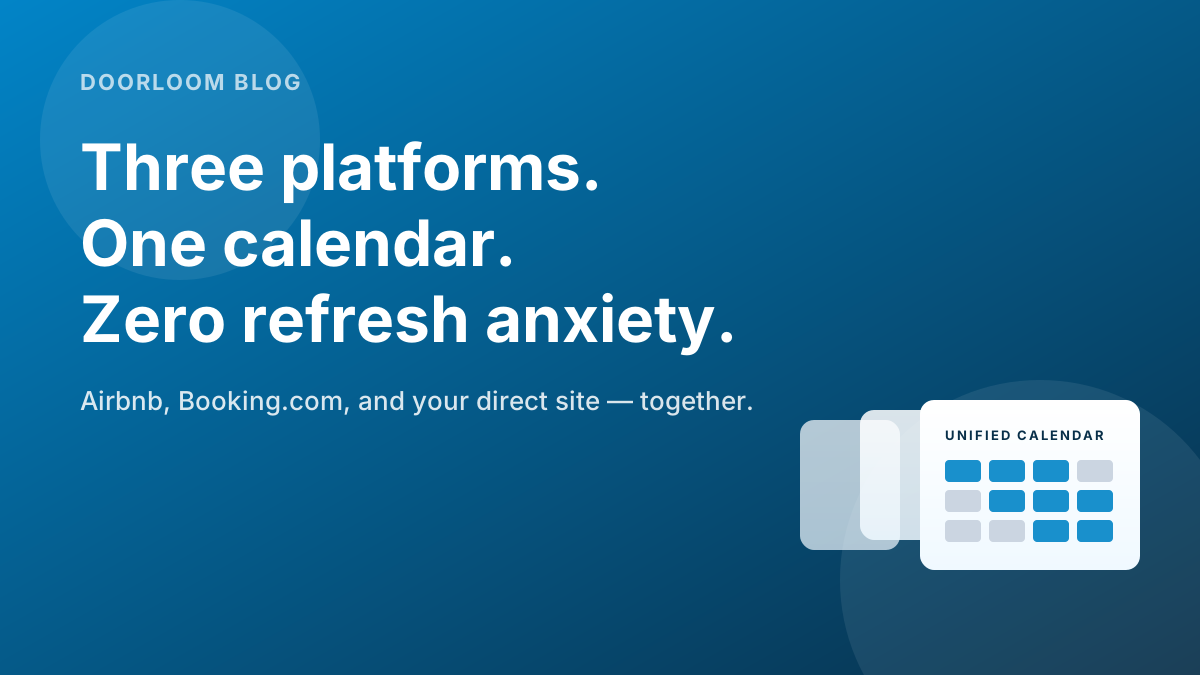
Stop juggling three tabs. A single unified calendar that pulls Airbnb, Booking.com, and your direct site into one view — and pushes price + availability back the other way.
Manage Airbnb, Booking.com and Your Direct Site from One Calendar
TL;DR — Most multi-channel hosts live in three tabs and miss bookings every week because of it. A unified calendar — Doorloom or equivalent — pulls every channel into a single view and pushes rate + availability changes back out automatically. One screen. Sync in seconds, not hours.
Why this matters
You list on Airbnb. You list on Booking.com. You have a website with a "Plan your stay" button. Each of those three places has its own calendar, its own pricing screen, its own message inbox. By month two, you spend 40 minutes a day reconciling three tabs — and you still occasionally miss a booking because Airbnb refreshed Booking.com 90 minutes too late.
The path out isn't more tabs. It's collapsing the three calendars into one. This post walks through what a unified calendar actually is, what it replaces, and the specific moments in a host's week where it pays for itself.
3 tabscollapsed into 1 <10scross-channel sync time
0manual rate updates per platformWhat a unified calendar actually does
Strip away the marketing language and a unified calendar does four specific things:
- 1
Pulls every booking into one timeline
Airbnb, Booking.com, your direct site (Doorloom-hosted or your own), and any iCal feed you import — all show up on a single per-property timeline. You see the next 60 days as one view, not three. - 2
Pushes rate changes outward in seconds
Set a new nightly rate or a long-weekend uplift once. Doorloom pushes it to Airbnb, Booking.com, and your direct site within seconds via API — not hours via iCal. - 3
Blocks dates everywhere when one platform books
An Airbnb booking lands at 11:42 am. Booking.com and your direct site show those dates as unavailable by 11:42:08 am. The 90-minute iCal lag is gone. - 4
Funnels every guest message into one inbox
The WhatsApp ping, the Airbnb message, the Booking.com extranet thread — all show up in one chat list, threaded by guest. You stop missing the message that came in on the platform you weren't watching.
The day-in-the-life difference
The clearest way to feel this is to walk through a host's actual Tuesday morning, before and after.
The 55 minutes saved isn't the only gain. The two-tab-out-of-sync state in the first scenario is also a missed-booking risk. Multiply by 365 days and the difference is enormous.
What this replaces
A unified calendar replaces a stack of partial solutions most hosts have already cobbled together:
| What you might be using today | What the unified calendar replaces it with |
|---|---|
| iCal sync between Airbnb ↔ Booking.com | Direct API sync — seconds, not hours |
| Manual rate updates on each platform | One rate calendar; pushed everywhere |
| Three separate inboxes (Airbnb, Booking.com, WhatsApp) | One threaded inbox, per guest |
| Spreadsheet of bookings across channels | Live timeline, automatic |
| Per-channel minimum-stay rules | One rule set; enforced everywhere |
| "Did I update the cleaning fee on Booking.com?" | Set once, applied everywhere |
If you're running fewer than 3 properties, iCal sync is the right starting point — covered step-by-step in our iCal sync guide. The moment you cross 3 properties or take meaningful same-day bookings, the unified calendar pays for itself in the first month.
See your calendar with every channel in one view.
Doorloom's unified calendar connects to Airbnb, Booking.com, and your direct site in under a day — same listings, no migration, just one screen.
Setup — what it actually takes
Connecting Doorloom to your existing channels is a 30-minute job, not a migration project.
- 1
Connect your Airbnb account
In Doorloom, go to Channels → Connect Airbnb. Sign in with your Airbnb host credentials. Doorloom pulls in your live listings — you don't recreate anything. - 2
Connect Booking.com
Same screen → Connect Booking.com. You'll be asked to grant access from inside the Booking.com extranet. Once granted, your live listings appear in Doorloom alongside Airbnb. - 3
Connect your direct site
Already on Doorloom-hosted? Auto-connected. Have your own website? Either embed the Doorloom enquiry widget or point your booking calendar at Doorloom's iCal export. - 4
Set base rate, weekend uplift, and seasonal calendar
One screen, three rules. Doorloom pushes them to every channel within seconds. Use the framework from our dynamic pricing post and load the long-weekend calendar while you're there. - 5
Test with a real change
Block a single test date in Doorloom. Within seconds it should show as unavailable on Airbnb, Booking.com, and your direct site. Unblock and verify. If both sides hold, you're done.
What happens when channels disagree
Even with a unified calendar, occasional edge cases surface — usually when one platform processes a booking microseconds before another. The handling pattern is the same in every case:
Hi [guest_name] — apologies, just confirming on our end. We had a parallel booking land in the same minute as yours and our system is reconciling.
In 99% of cases this resolves automatically and you'll get a confirmation in 5 minutes. In the rare case it doesn't, I'll come back to you with a free upgrade or a date move offer — whichever works for you.
Will be in touch shortly. Thanks for the patience.
— [your_first_name]
The honest read: a unified calendar reduces double-booking risk by ~95% over an iCal-only setup. The remaining 5% is microsecond races, and the handling pattern above turns those into goodwill events rather than disasters.
Carry the calendar in your pocket.
The Doorloom mobile app shows the same unified calendar — every channel, every property, one screen. Block dates between meetings; rate changes go live before you leave the parking lot.


When a unified calendar is worth it
Use this cheat-sheet to decide whether to upgrade from iCal to a unified calendar:
| If you have… | Stay on iCal | Move to unified calendar |
|---|---|---|
| 1–2 properties | ✓ | |
| 3+ properties | ✓ | |
| Same-day or next-day bookings >10% of total | ✓ | |
| Different rates per channel currently | ✓ | |
| Multiple team members managing bookings | ✓ | |
| Spending >30 min/day reconciling calendars | ✓ | |
| ₹15K+/month in commission savings on the table | ✓ |
If three or more rows in the right column apply, the unified calendar is overdue.
How this fits with the rest of your operations
A unified calendar is the operational spine that the rest of your host playbook hangs off:
- The iCal sync guide is the entry point you graduate from.
- The pricing framework is what gets pushed across every channel.
- The long-weekend calendar loads in once and propagates everywhere.
- The WhatsApp templates reply to enquiries from the unified inbox.
- The direct booking playbook works because you can move guests off OTA without losing the calendar.
Frequently asked questions
The takeaway
The "three tabs forever" model doesn't scale beyond 2 properties. It quietly consumes 40+ minutes a day and silently loses bookings to the sync gap. A unified calendar replaces it with a single screen, a few seconds of cross-channel propagation, and an inbox where every guest conversation lives in one place. The setup is half a day of work; the pay-off is permanent.
Move to one calendar this week.
Doorloom connects Airbnb, Booking.com, and your direct site in under a day. Keep your existing listings; gain back the time.
Download the Doorloom app
Run your rentals from your pocket.
Approve bookings, reply to enquiries on WhatsApp, and check today's check-ins — all from the Doorloom mobile app.