Add an Enquiry Button to Your Villa Website in 10 Minutes
Stop losing late-night browsers. A floating 'Plan your stay' button captures leads to WhatsApp + your Doorloom dashboard, even while you sleep.
TL;DR — Most villa websites lose 70% of their visitors silently. A "Plan your stay" button on every page lets a guest send you their dates, party size, and contact details in 30 seconds — straight to your WhatsApp and your Doorloom dashboard. Setup takes under 10 minutes (or a quick message to your web person).
Why most villa websites are leaking guests
Picture this: it's 11 pm. A family in Bangalore is lying in bed planning a Goa trip. They land on your villa's homepage. They love the photos. But there's no way to ask "Is the villa free for the long weekend?" without picking up the phone — at 11 pm. So they tap back, open Booking.com, and you just paid OTA commission on a guest who had already chosen you.
This is the silent leak every direct-booking host fights. The fix isn't a bigger website. It isn't more SEO. It's a small, friendly button that says: "Tell us your dates. We'll reply on WhatsApp."
70%of visitors leave without contact 30 secenquiry capture time
0missed late-night leadsWhat the Doorloom enquiry button actually does
When a visitor clicks the floating green "Plan your stay" button, a tidy form slides in over your page asking for the few things you actually need to reply intelligently:
- Name and mobile number (with country code).
- Check-in and check-out dates.
- Number of adults and children.
- Travelling with pets? Want meals included?
- Preferred location (only shown if you have properties in more than one city).
When they hit Send Enquiry, two things happen at once:
- WhatsApp opens on their phone with a message addressed to you, listing every detail they entered. They tap send. You're talking.
- The same details land in your Doorloom dashboard and ping the Doorloom mobile app — so even if the guest doesn't end up sending the WhatsApp, the lead is yours.
Want to see it live before you set it up?
Tap the floating button on doorloom.com and send a test enquiry. You'll see exactly what your guests will.
How to set it up — the three-minute version
There are three steps, and most hosts finish in well under ten minutes. Two of them are us doing the work; one is you handing a snippet to your web person.
- 1
Tell us where you want the button to appear
Email your account manager — or message Doorloom support — with the address(es) of every website you'd like the button on. Examples:https://yourbrand.com,https://www.yourbrand.com,https://shop.yourbrand.com. Send the full address, including thehttps://bit. - 2
We send you back a widget key
It's a short string of letters and numbers that quietly identifies your account, likepk_live_6c5257e0a0c6c437a2f703d128421fd4. Treat it as semi-public — it's safe to put on your website. We'll generate it for you and ping you. - 3
Forward one line of code to your web person
This is the only step where someone has to touch the website. Most hosts simply forward the snippet (below) to their developer, agency, or even the freelancer who originally built the site. It's a single line, pasted just before the closing</body>tag.
Where most hosts get stuck — and how to skip it
The bit that scares non-technical hosts is "paste this code." You don't have to. Forward the snippet to whoever built your website — they'll recognise it instantly. We've made the message easy.
Send this to your web person
This is one line of code your developer or agency pastes once. After that, the button appears on every page automatically — and you never touch it again.
<script src="https://doorloom.com/embed/v1/loader.js"
        data-doorloom-key="pk_live_xxxxxxxx"
        defer></script>
Hi! We're adding the Doorloom enquiry button to our website so guests can send us their travel dates from any page.
Please paste the snippet below into the site, just before the closing </body> tag, on every page (or in the global footer template). Replace pk_live_xxxxxxxx with the real key in our message.
Setup guide if you have questions: doorloom.com/widget-setup
Thanks!
Replace pk_live_xxxxxxxx with the real key we sent you. That's the
whole job.
"But which website builder do I use?"
Whoever built your site will know exactly where to paste the snippet — but if you want to brief them, here's the short version for the most common platforms.
If your website was built by an agency or freelancer, just forward this post to them — the snippet is at the top of the section above.
What happens when an enquiry comes in
This is the moment you've been paying for.
- The visitor fills the form on your website and taps Send Enquiry.
- WhatsApp opens on their device with a message addressed to your number, pre-filled with every detail they entered.
- The lead is saved to your Doorloom dashboard with a timestamp, property preference, and contact details.
- You get a push notification on the Doorloom mobile app — same as any other lead. Tap and reply on WhatsApp. Done.
You can reply on WhatsApp, follow up by phone, or simply log it as a contacted lead in your dashboard. Nothing about your existing follow-up process changes.
Reply to enquiries from your phone.
Get a push notification the moment a guest sends an enquiry. Reply on WhatsApp without leaving the Doorloom app.


Why this beats every other "contact form" on the internet
Generic contact forms send you an email. You see it three hours later. The guest has already booked someone else. The Doorloom enquiry button is engineered for the way hosts actually work.
| Generic contact form | Doorloom enquiry button |
|---|---|
| Sends you an email — buried in your inbox | Opens WhatsApp + pings your Doorloom app |
| No structure — guests free-type | Structured fields: dates, party, prefs |
| Built for any website | Built for vacation rentals |
| Spam-prone | Bot-resistant + domain-locked |
| Runs in your site's HTML | Runs in an isolated frame — no design clash |
Frequently asked questions
Ready to plug the leak?
Capturing enquiries is the cheapest growth lever a host has. The traffic is already coming — you've already paid for it via SEO, social, or word-of-mouth. The button captures the 70% that would otherwise vanish.
Get your widget key. Same-day setup.
Send us your website address and we'll usually have you up and running before sundown.
Download the Doorloom app
Run your rentals from your pocket.
Approve bookings, reply to enquiries on WhatsApp, and check today's check-ins — all from the Doorloom mobile app.
Keep reading
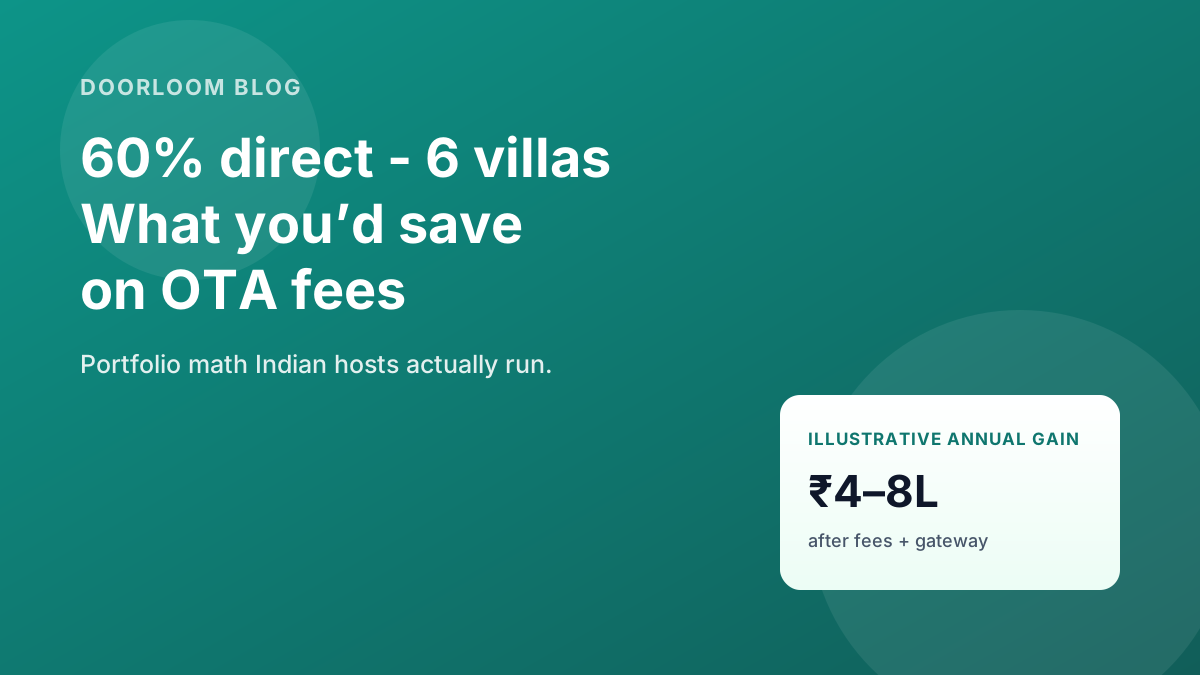
Calculate Your OTA Savings: What 60% Direct Would Look Like for a 6-Villa Portfolio
Six villas at 60% direct often save ₹4–8L yearly vs a heavy OTA mix. Run your real numbers through Doorloom's savings calculator before you change rates.
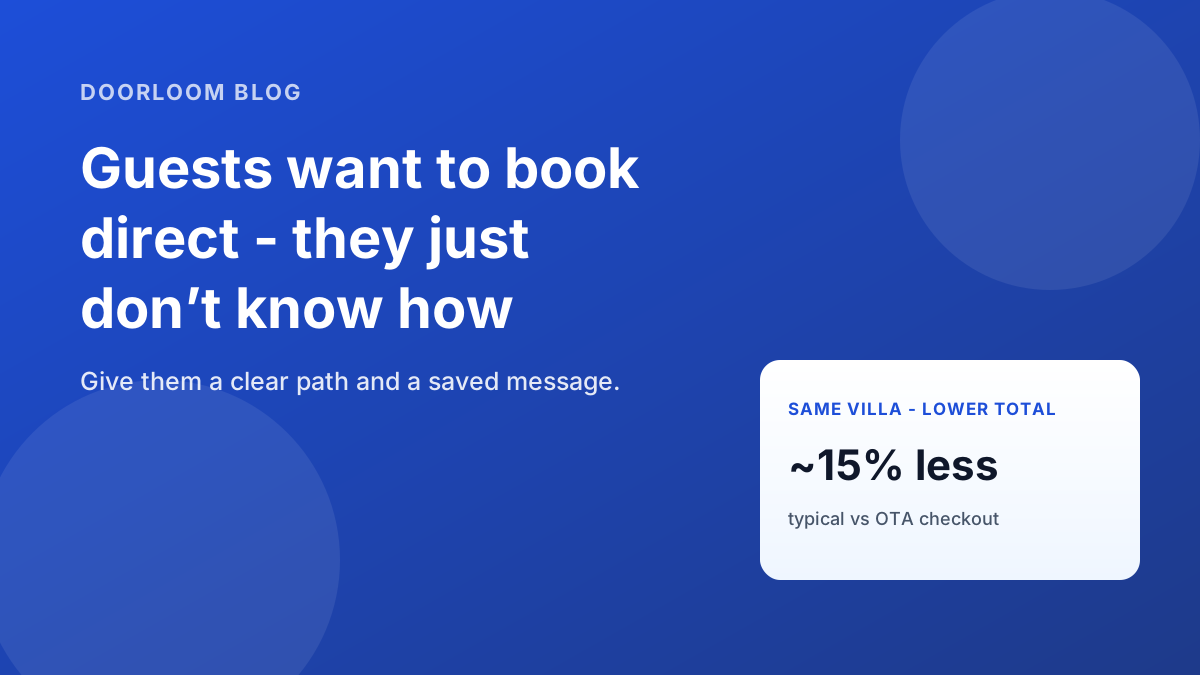
Why Your Guests Want to Book Direct (and Don't Know How)
Guests want lower totals and fast WhatsApp replies — but OTAs feel like the default. Here's why direct helps them too, with a copy-paste message to save.
The Hidden Costs of OTA Dependency (Beyond Commission)
Booking sites charge commission — and they keep guest emails, slow payouts, and cap how you price. Here's what OTA dependency really costs villa hosts in India.