10 WhatsApp Templates Every Vacation Rental Host Should Save
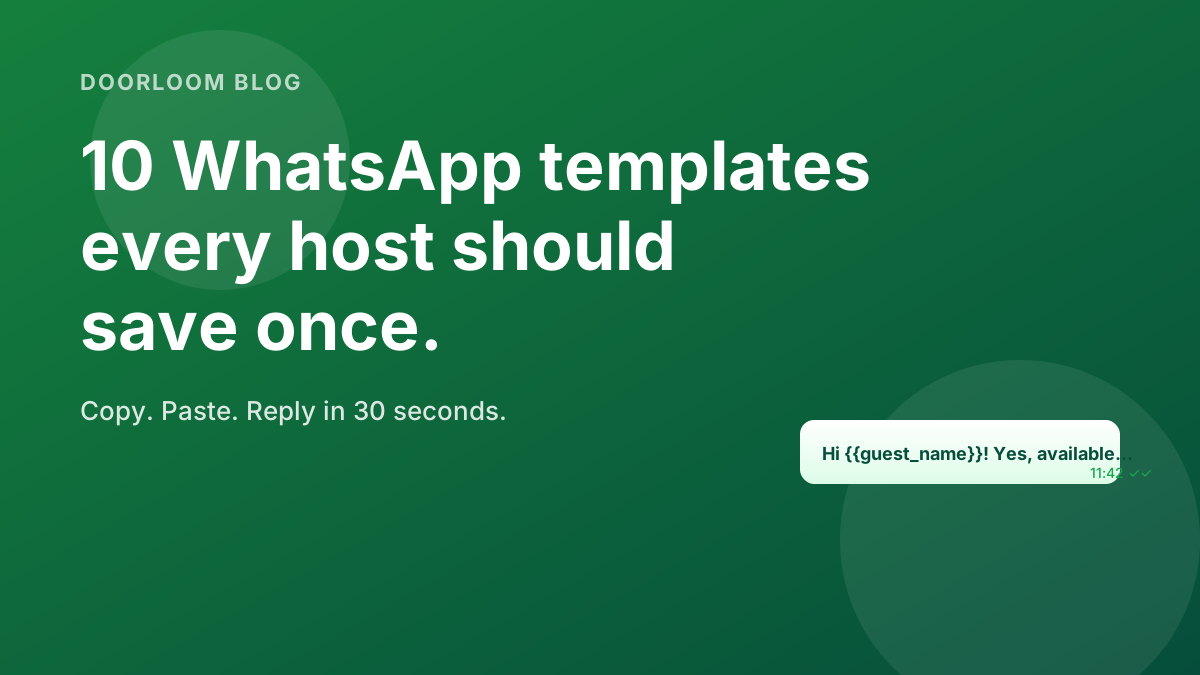
Ten copy-paste WhatsApp messages — for enquiries, deposits, late check-ins, reviews, and cancellations — that hosts can save once and reuse forever.
10 WhatsApp Templates Every Vacation Rental Host Should Save
TL;DR — These ten messages cover every routine WhatsApp moment in a host's week — first enquiry, holding deposit, pre-arrival, late check-in, review request, cancellation rebook, and more. Copy them once, swap the variables, never write the same reply from scratch again.
Why this matters
You don't lose bookings because your villa isn't good enough. You lose them because the guest sent a message at 9 pm on a Friday and got a reply at 11 am on Saturday — by which point three other hosts had already quoted them.
WhatsApp is where Indian guests actually plan trips. It is not a secondary channel; it is the primary one. The hosts who consistently fill their calendars are the ones who reply within the first five minutes — and you can only do that reliably if the words are pre-written and a tap away.
5 minwindow for peak conversion 2 tapsto send a saved template
6variables cover 90% of casesSet the templates up once — use them forever
Every template below uses six variables in [double_braces]. Save
them in WhatsApp Business as quick replies, in the Doorloom mobile app,
or simply pinned in a notes app. The first time you do it takes 15
minutes; after that, replying to a guest is two taps.
WhatsApp Business quick replies — the 60-second setup
Open WhatsApp Business → tap the three-dot menu → Business tools →
Quick replies → +. Paste the template, give it a short keyword
(e.g. /enq, /dep, /pre). In any chat, type the keyword and tap
the suggestion that appears.
The variables you'll see throughout:
[guest_name]— first name only.[property_name]— your villa's display name.[check_in]and[check_out]— dates in Sat 10 May style.[total]— the all-in amount in ₹.[your_first_name]— the host or person on the chat.
1. The 30-second enquiry reply
This is the one that wins or loses the booking. Send within 5 minutes — even if you can't fully answer yet, acknowledging fast keeps the guest in the conversation.
Hi [guest_name]! Thanks for reaching out about [property_name].
Yes, we have it free for [check_in] → [check_out]. The total works out to ₹[total] for [nights] nights, including taxes.
Want to lock it in? I'll send a 25% holding link — pay anytime in the next 2 hours and the dates are yours. Happy to answer any questions before you decide.
— [your_first_name]
2. The "we're full but…" pivot
Don't just say "sorry, sold out." Always offer an alternative. Half of these turn into a booking on different dates.
Hi [guest_name]! Sadly we're fully booked for [check_in] → [check_out] — those are our peak dates.
But — we're free [alt_check_in] → [alt_check_out], which is the same week minus one night. Total would be ₹[alt_total].
Would either of those work? Happy to hold for an hour while you check.
— [your_first_name]
3. The holding-deposit ask
The 25% holding deposit is the single biggest lever for conversion. It turns "I'll think about it" into "okay, I'm in."
Perfect, [guest_name]!
Here's the holding link for [property_name], [check_in] → [check_out]: [payment_link]
Pay 25% (₹[deposit_amount]) any time in the next 2 hours and the dates are reserved for you. Balance is due at check-in. Full refund if you cancel up to 7 days before arrival.
Any questions, just message back here.
— [your_first_name]
4. The 48-hour pre-arrival message
Sent two days before check-in. Reduces last-minute confusion, prevents the dreaded "where exactly is the entrance?" call at 10 pm.
Hi [guest_name] — looking forward to hosting you at [property_name] in two days!
Quick info you'll need:
• Check-in: any time after 2 pm on [check_in] • Address & Google Maps pin: [maps_link] • Caretaker on-site: [caretaker_name], [caretaker_phone] • Wi-Fi name: [wifi_name] / password: [wifi_password]
If your travel time changes or you'd like an early check-in, just message here and we'll do our best.
Travel safe!
— [your_first_name]
5. The "running late" check-in handler
Half of all check-ins drift past the planned time. This message defuses the awkwardness and protects your caretaker's evening.
No problem at all, [guest_name]! Drive safe.
[caretaker_name] will wait for you until [caretaker_cut_off]. If you're going to be later than that, no stress — they'll leave the keys in the lockbox at [lockbox_location] and the code is [lockbox_code].
WhatsApp them on [caretaker_phone] when you're 30 minutes out so they can keep an eye out.
— [your_first_name]
6. The mid-stay check-in
A single proactive message during a multi-night stay. Catches small issues before they become a 1-star review.
Hi [guest_name], settling in okay?
Just checking — Wi-Fi working, geyser warm, anything we can fix from this end? Even small things. We'd much rather sort it now than read about it in a review.
Also if you'd like restaurant or beach recommendations, happy to share — we've a list for [location] that's saved most of our guests some Googling.
— [your_first_name]
Reply faster with Doorloom on your phone.
Save every template once in the Doorloom app — they show up as quick replies on every guest chat, on every property, in two taps.
7. The check-out + review request
The most under-used template on this list. Send the morning of check-out, not a week later. Conversion to a 5-star review roughly doubles when you ask while the experience is still vivid.
Morning [guest_name] — hope the stay at [property_name] was a good one!
Check-out is by 11 am. [caretaker_name] will pop in for the keys whenever you're ready.
If we made the trip even slightly easier, a quick Google review ([google_review_link]) genuinely helps us — and helps other guests pick a place they'll love.
Travel safe back, and please come visit us again.
— [your_first_name]
8. The repeat-guest re-engagement
Your single most valuable list. Send 60–90 days after a stay, not sooner. The whole point is to capture the next trip — usually direct, off-OTA.
Hey [guest_name]! Hope you've been well since [property_name].
Two reasons I'm messaging — first, our long-weekend calendar for the next quarter is open, and we always hold a few nights off the OTAs for repeat guests.
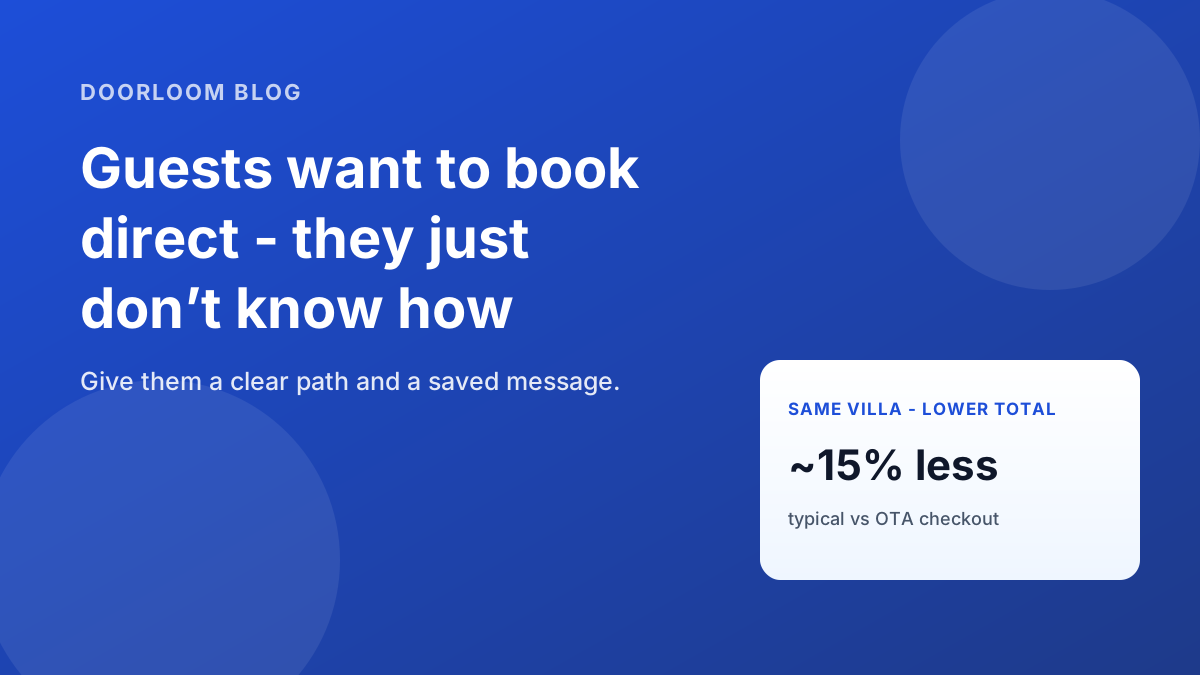
Second — if you book direct on this WhatsApp, you'll skip the booking fees (about 15% off the price you saw last time, same room).
Send me a date range whenever you're planning the next trip — I'll hold it while you decide.
— [your_first_name]
9. The graceful cancellation handler
How you respond to a cancellation determines whether you get the next booking from this guest. Don't argue the policy — handle the human moment first.
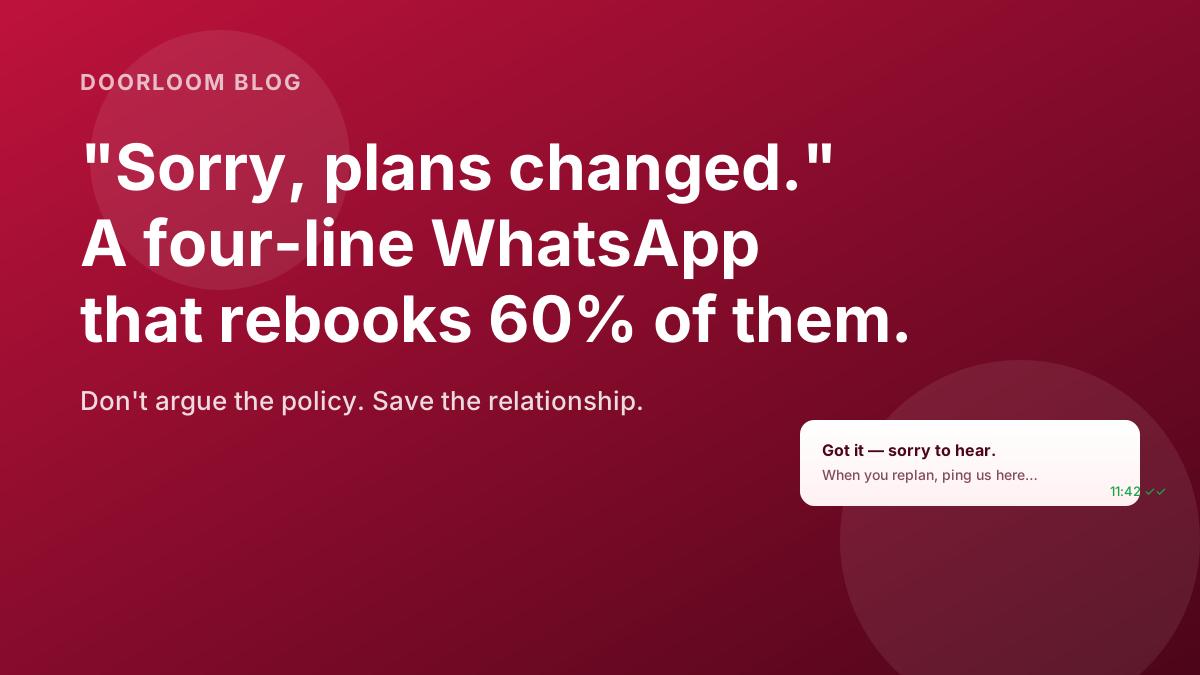
Got it, [guest_name] — sorry to hear plans changed. Stuff happens.
Per our policy ([cancellation_policy_summary]), the refund works out to ₹[refund_amount], which we'll process within 3 working days to the same payment method.
When you're ready to plan the next one, ping us here and we'll lock in the right dates with no booking fee.
— [your_first_name]
10. The de-escalation reply
For any moment a guest is unhappy in the chat — noise, cleanliness, something missing. Acknowledge first, fix second, never defend in the first message.
[guest_name], I'm really sorry — that's not the experience we want you to have at [property_name].
Here's what I'm doing right now: [specific_immediate_action]. [caretaker_name] will be at the villa within [eta] minutes.
Once it's sorted, let's talk on a quick call — I want to understand exactly what happened and make sure the rest of your stay is the one you booked for. Can I call you in 15 minutes?
— [your_first_name]
How to use them without sounding robotic
The templates are scaffolding — never the whole reply. Three small habits keep them feeling personal:
- 1
Add one personal line at the top
Reference something from the previous message. "Goa around the long weekend — gorgeous time of year for [property_name]" beats jumping straight into the price. - 2
Keep paragraphs short
Three lines max on a phone screen. Long blocks of text get skimmed. The templates are already structured this way — keep that structure when you adapt them. - 3
Always end with a question or a clear next step
Every reply should end with either a yes/no question or a "shall I send the holding link?". The conversation only progresses when there's something for the guest to do.
All ten templates, ready in your pocket.
The Doorloom mobile app stores your quick replies per-property and pulls them into any WhatsApp chat in two taps.


What to fix in your messaging this week
If you don't change anything else after reading this, do these three things by Friday:
- Save templates 1, 3, and 4 as quick replies. They cover 70% of all host-to-guest messages.
- Send template 8 to every guest who stayed in the last 90 days. About 1 in 4 will reply with a future date.
- Pair this post with the enquiry button setup — the templates only matter if guests can reach you in the first place.
Frequently asked questions
The takeaway
Speed and structure win. The hosts whose calendars stay full aren't the ones with the most beautiful villas — they're the ones whose first reply lands in the guest's hand inside five minutes, every time, no matter what they were doing when the message came in. These ten templates are the cheapest infrastructure you'll ever build for that.
Bring every template into the Doorloom app.
Two-tap quick replies, per-property, with the right variables auto-filled from your booking record. Stop typing the same things twice.
Download the Doorloom app
Run your rentals from your pocket.
Approve bookings, reply to enquiries on WhatsApp, and check today's check-ins — all from the Doorloom mobile app.
Keep reading
Why Your Guests Want to Book Direct (and Don't Know How)
Guests want lower totals and fast WhatsApp replies — but OTAs feel like the default. Here's why direct helps them too, with a copy-paste message to save.
Add an Enquiry Button to Your Villa Website in 10 Minutes
Stop losing late-night browsers. A floating 'Plan your stay' button captures leads to WhatsApp + your Doorloom dashboard, even while you sleep.
How to Handle a Last-Minute Cancellation Without Losing the Booking
A four-line WhatsApp template that turns 'sorry, plans changed' into a rebook 60% of the time — plus the rebook flow, refund maths, and what to never say.