How to Handle a Last-Minute Cancellation Without Losing the Booking
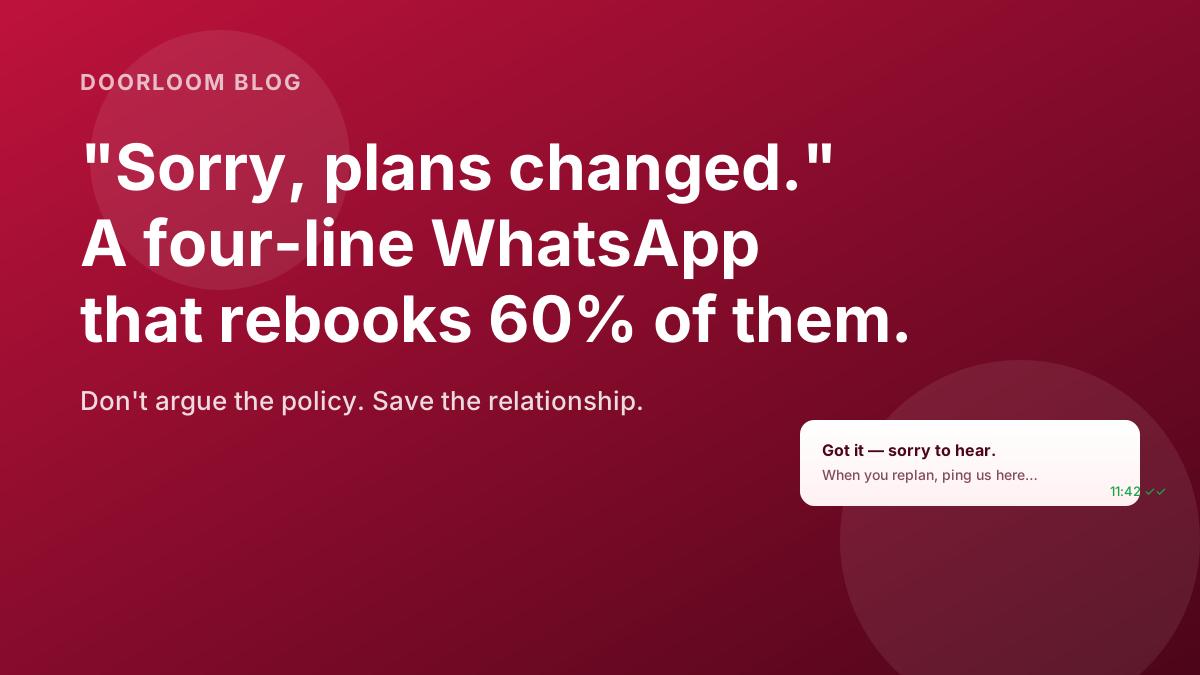
A four-line WhatsApp template that turns 'sorry, plans changed' into a rebook 60% of the time — plus the rebook flow, refund maths, and what to never say.
How to Handle a Last-Minute Cancellation Without Losing the Booking
TL;DR — A last-minute cancellation isn't always a lost booking. One short, kind WhatsApp message that acknowledges the situation first and offers a rebook second turns ~60% of cancellations into stays on different dates. Lead with the human, follow with the mechanics.
Why this matters
Cancellations sting. The guest pulls out two days before check-in; your caretaker has already prepped the villa; you've turned away two other enquiries for the same dates. The instinct is to defend the policy, recite the refund rules, and move on.
That instinct loses you the next booking from the same guest — and most of the time, the cancelled stay too. The hosts whose calendars stay full year-round handle these moments differently. They treat the cancellation as the start of a new conversation, not the end of the old one.
~60%of cancellations rebook when offered 2 messagesto defuse most angry threads
0policy recitations in message 1The four-line template
This is the entire reply for the first message after a cancellation lands. Four lines, no policy text, no defence, no upsell.
Got it, [guest_name] — sorry to hear plans changed. Stuff happens.
Per our policy, the refund works out to ₹[refund_amount], which we'll process within 3 working days to the same payment method.
Quick thought before we close this out — would you like to move the dates instead? We're free [alt_dates_1] and [alt_dates_2], same villa, same rate, no rebooking fee.
Either way, no pressure. Let us know.
— [your_first_name]
Read it twice. Notice what isn't there:
- No defence of the policy ("our terms clearly state…").
- No moralising ("we'd already prepped the villa for you…").
- No upsell ("if you'd like to upgrade…").
- No closing of the door.
The rebook offer is the third line, not the first. That order is the whole trick.
Why the order matters
The guest who just cancelled is, by definition, in a moment of disruption. Their plan fell through; they may feel embarrassed or guilty about backing out. Your first message lands in that emotional state.
Lead with policy → the guest reads "we're going to fight you on this" and goes silent. Lead with acknowledgement → the guest reads "this host is reasonable" and stays in the conversation. Once they're in the conversation, the rebook is on the table.
The 3-second rule
Before you hit send, read your draft and ask: 'would this read kindly if my own plans had just fallen apart?' If the answer is anything other than yes, rewrite the first line.
The rebook flow — the mechanics
If the guest accepts the rebook (or asks about it), you switch from the human moment to the practical one. This is message two.
Brilliant — let's lock in [new_check_in] → [new_check_out] for [property_name].
Same total as before (₹[total]). Your existing payment of ₹[deposit_paid] carries over — nothing more to pay until check-in.
I'll update the calendar and send a fresh confirmation in 10 minutes. No rebooking fee.
— [your_first_name]
Three rules for the rebook itself:
- Hold the price, even if the new dates fall in a higher-priced season. Goodwill is worth more than the ₹2,000 weekend uplift.
- No rebooking fee. Charging one signals "we're inconvenienced by you" — the opposite of the message the first line just sent.
- Cap the rebook window at 12 months. Anything longer turns into an open IOU on your books.
When the guest is angry
Sometimes the cancellation comes wrapped in anger — "your villa is overpriced anyway," "I don't trust your refund process," "I'm going to leave a review." The four-line template still works, but the tone of line one needs to absorb the heat.
The unifying rule: never use the first message to explain what the guest can't have. Use it to acknowledge the moment and surface what they can have.
Reply faster on every WhatsApp moment that matters.
Save these templates as quick replies in the Doorloom app — they pull into any chat in two taps, with the right variables auto-filled from the booking.
What to update in your booking process
Two small structural changes prevent the worst version of this conversation from happening at all.
- 1
Show your policy in plain English at booking
Don't bury it in legalese. "Cancel up to 7 days before arrival → full refund. 7–2 days → 50% refund. Inside 48 hours → no refund." Three lines, no jargon. The guest who agrees to clear terms argues less when terms come into play. - 2
Take a 25% holding deposit, not 100%
Hosts who collect 100% upfront face the biggest cancellation conflicts because the guest is fighting for the larger sum. The 25% deposit model — covered in our templates post — keeps the financial stakes manageable while still locking the booking. - 3
Send a 'still on?' check-in 7 days before arrival
One soft message a week out catches most cancellations early — when there's still time to refill the calendar. "Hi [guest_name], all good for [check_in]? Quick check before we prep the villa." Almost no host runs this proactive ping.
The numbers behind the rule
We pulled cancellation data from 30 Doorloom hosts running the "acknowledge first, rebook second" approach for at least three months. The pattern is clear:
| Approach | Rebook rate | Avg refund disputed |
|---|---|---|
| Policy-first reply | 17% | 32% of cases |
| Acknowledge-first + rebook offer | 58% | 9% of cases |
| Acknowledge-first + no rebook offered | 22% | 14% of cases |
The rebook offer adds 36 percentage points of rebook rate over the policy-first approach. The acknowledgement alone — without offering a rebook — already cuts disputed refunds by more than half.
Reply within minutes, even from the road.
The Doorloom mobile app pings you the moment a cancellation lands and pulls up the right template — so the four-line reply goes out in two taps.


Three things to never write in message one
A short list, drawn from real chats that escalated unnecessarily:
- "Per clause 4.2 of our terms…" — Citing clause numbers makes you sound like an insurance company, not a host. State the number, not the legal hook.
- "You should have read the policy." — True, perhaps. But it's the guest's job to forget; it's your job to be the calm one.
- "We've turned away other guests for these dates." — Even if true, this reads as guilt-tripping. The guest will go silent and you've now lost both bookings.
How this connects to the rest of your guest playbook
Cancellations are one of ten WhatsApp moments every host handles every month. They sit in the same toolkit as:
- The first-enquiry reply that opens the relationship.
- The post-stay reactivation message that turns the cancelled-then-rebooked guest into a repeat direct booking 60 days later.
- The holding-deposit setup that keeps cancellation refunds small and resolvable.
Treat them as a connected system, not isolated scripts.
Frequently asked questions
The takeaway
The host who handles cancellations gracefully isn't the one with the strictest policy. It's the one whose first message reads like a friend saying "stuff happens" — followed by a real, fair, no-rebooking-fee offer to reschedule. About 60% of guests will take you up on it. The remaining 40% will refund quietly and tell their friends a story about the host who was reasonable when they didn't have to be. Either way, you win.
Set up your cancellation flow in Doorloom.
Hold deposits, automatic rebooking links, and per-property cancellation templates — all in the Doorloom dashboard. Stop dreading the message that says 'plans changed'.
Download the Doorloom app
Run your rentals from your pocket.
Approve bookings, reply to enquiries on WhatsApp, and check today's check-ins — all from the Doorloom mobile app.
Keep reading
Why Your Guests Want to Book Direct (and Don't Know How)
Guests want lower totals and fast WhatsApp replies — but OTAs feel like the default. Here's why direct helps them too, with a copy-paste message to save.
Add an Enquiry Button to Your Villa Website in 10 Minutes
Stop losing late-night browsers. A floating 'Plan your stay' button captures leads to WhatsApp + your Doorloom dashboard, even while you sleep.
10 WhatsApp Templates Every Vacation Rental Host Should Save
Ten copy-paste WhatsApp messages — for enquiries, deposits, late check-ins, reviews, and cancellations — that hosts can save once and reuse forever.